
MokaRig
A simple virtual machine manager for the Mac.
Download for macOSRequires a Mac with Apple silicon, running macOS 26 or later.
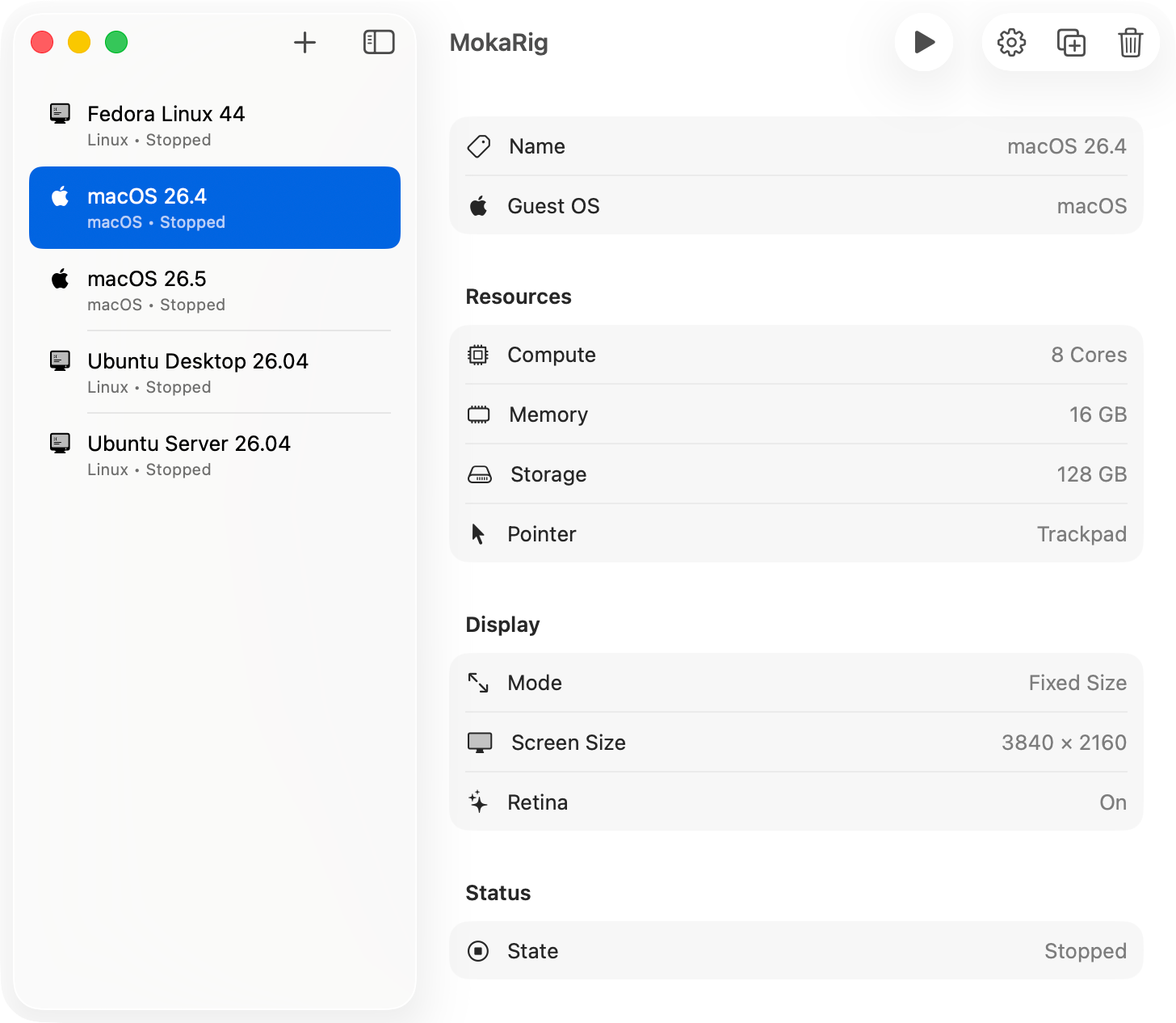
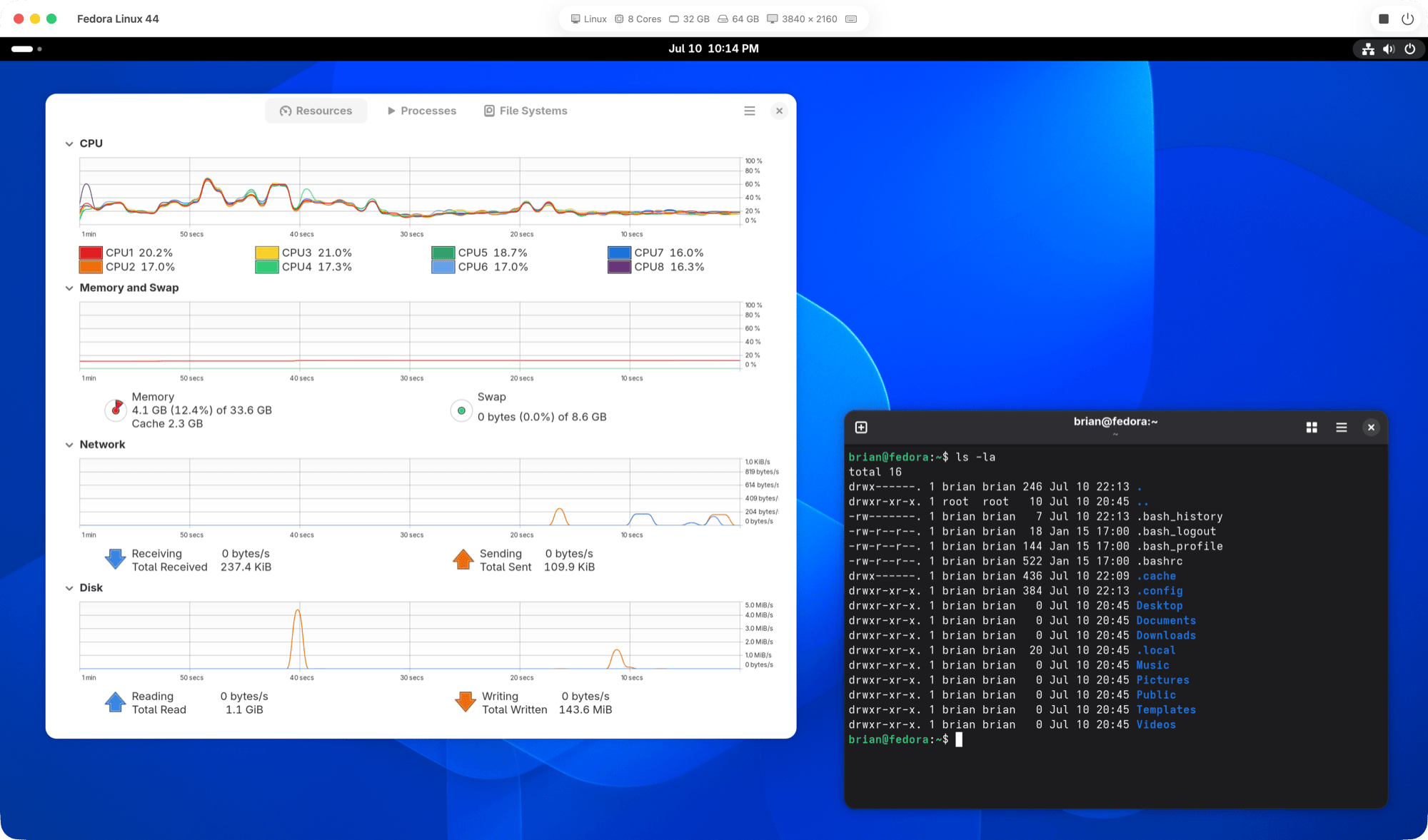
Near-native speed
Built on Apple's Virtualization framework for Apple silicon — no kernel extensions, no emulation. Your VMs run at near-native speed.
Simple by design
No download manager, no clutter. You bring your own OS images and MokaRig gets out of your way.
Snapshots
Save a VM exactly as it is before a risky change, and return to it whenever you like. Snapshots are instant and take no extra disk space until the machine changes.
Pick up where you left off
Suspend a running VM and resume it later, right where it was — even after quitting MokaRig or restarting your Mac.
Shared folders
Share folders on your Mac with a VM, read-only or read-write, and work on the same files from both sides.
Room to grow
A VM's disk takes only the space its guest has actually used, and a Linux VM's disk can be made larger when it fills up.
Copy and paste
Copy on your Mac and paste in a VM, or the other way around. Text and images cross in both directions.
Easy to reach
A running VM shows its IP address and host name, each a click away from your clipboard — ready for SSH or a browser.
Recovery mode
Start a macOS VM in macOS Recovery to repair its disk, reset a password, or change security settings.
Your machines, in plain sight
Virtual machines live in a single visible folder, ~/MokaRigVMs — easy to find, back up, or
delete.
Machines you can move
A VM is a single package in Finder. Copy it to a backup drive, hand it to a teammate, or duplicate it in a click — it's yours to move.
No residue
Your machines all live in one folder — MokaRig never hides VM data around your disk. To uninstall, drag the
app and ~/MokaRigVMs to the Trash.