
MokaRig
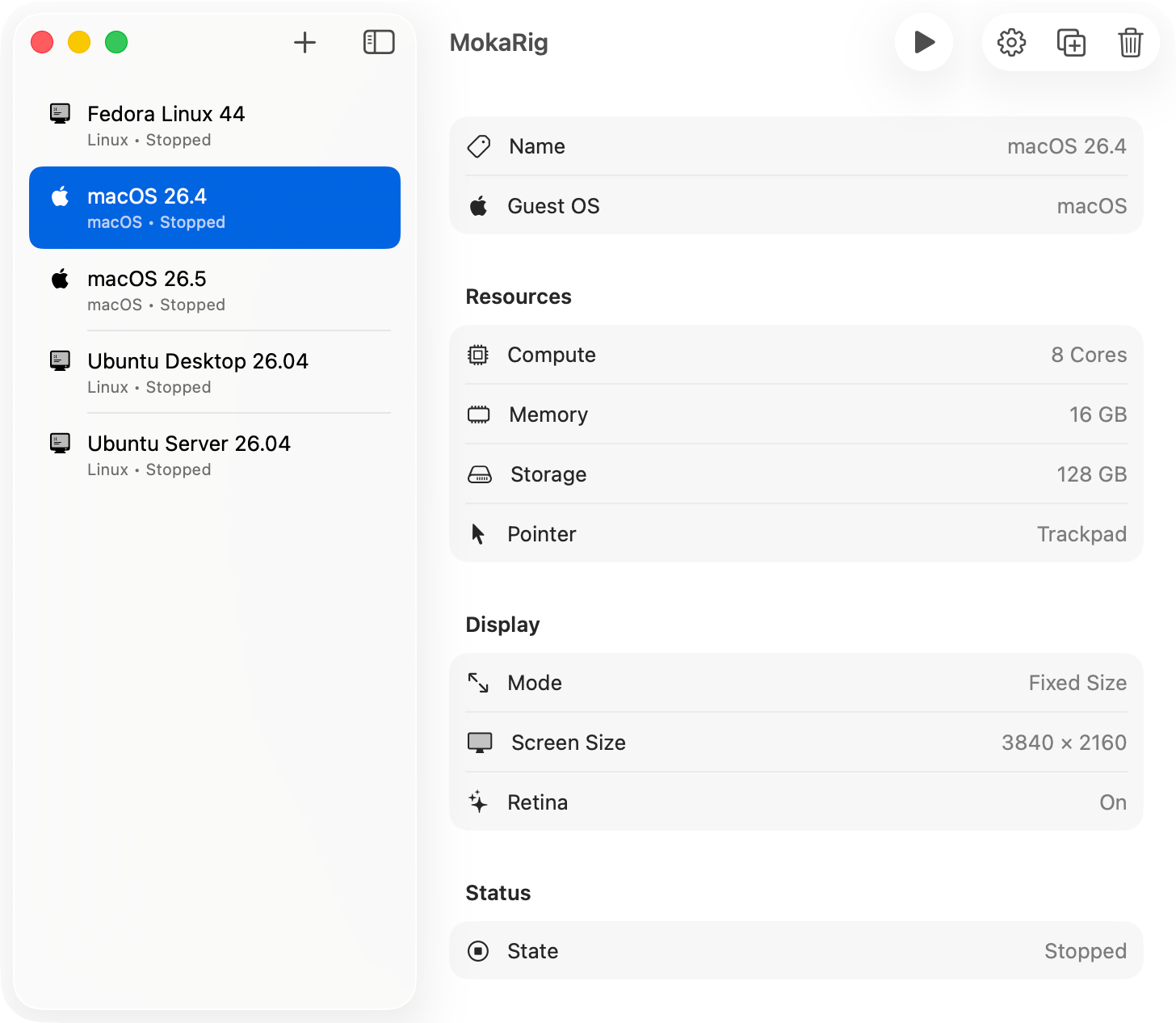
A simple virtual machine manager for the Mac.
Download for macOSRequires a Mac with Apple silicon, running macOS 26.5 or later.
Native speed
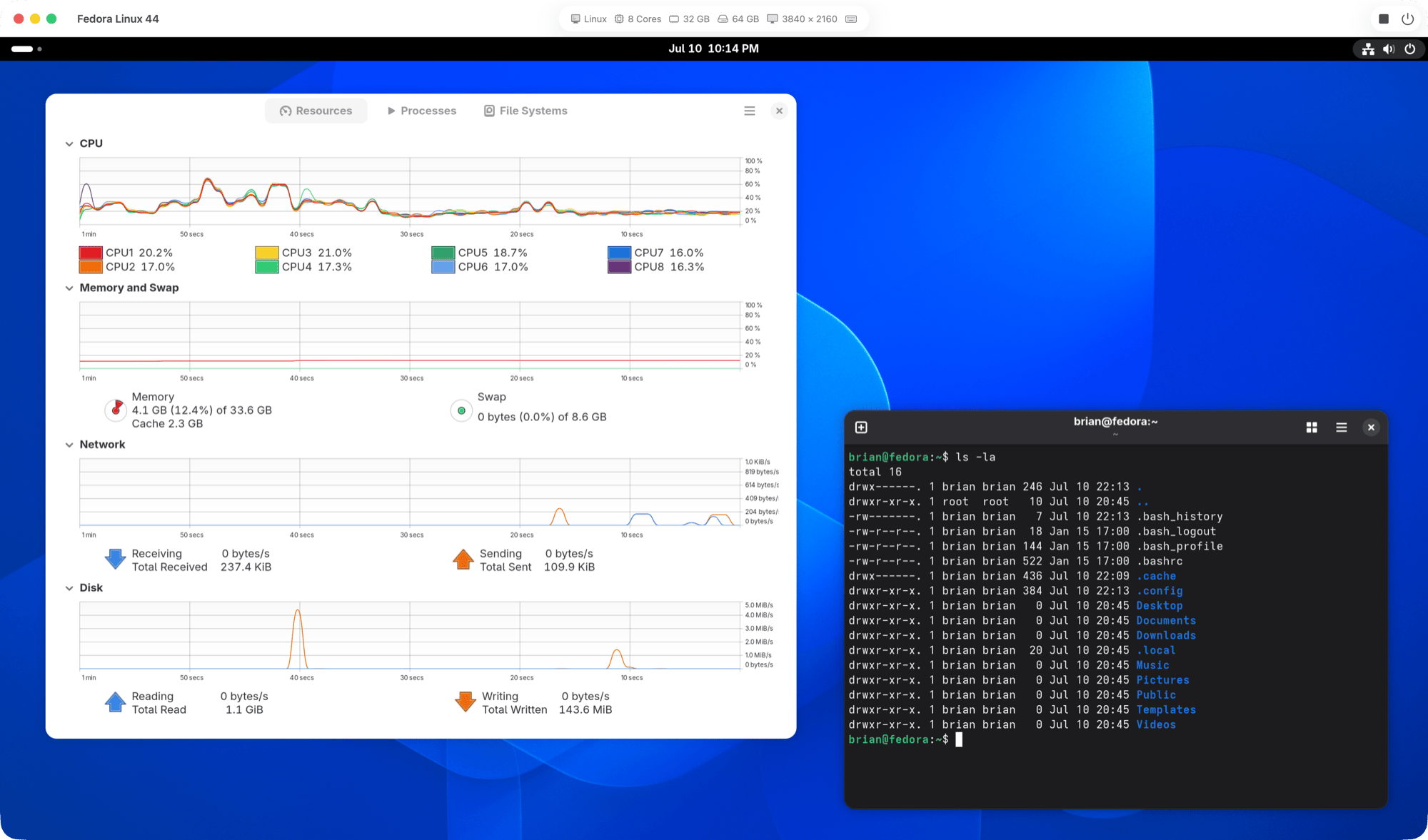
Built on Apple's Virtualization framework for Apple silicon — no kernel extensions, no emulation. Your VMs run at native speed.
Simple by design
No download manager, no clutter. You bring your own OS images and MokaRig gets out of your way.
Your machines, in plain sight
Virtual machines live in a single visible folder, ~/MokaRigVMs — easy to find, back up, or
delete.
Machines you can move
A VM is just a folder. Copy it to a backup drive, hand it to a teammate, or duplicate it in a click — it's yours to move.
No residue
Your machines all live in one folder — MokaRig never hides VM data around your disk. To uninstall, drag the
app and ~/MokaRigVMs to the Trash.